The inbox your agent writes for you
by Andreas Tissen · · updated
Imagine Claude is halfway through a job for you and reaches a step it cannot take. The domain renewal needs your card. It asks in the chat while you are in a meeting, and by the evening the question is far up the conversation and neither of you is sure whether it was answered.
Pando, the outliner I make, is largely written by coding agents, and the fix I use for this works with any notes app your agent can write into. The agent writes what it needs from you as a task you can tick, in a list you both read, and moves on to the work it can do without you.
Three parts of a task
The list is one branch, which I call "Inbox (from your agent)". Each task in it has three parts.
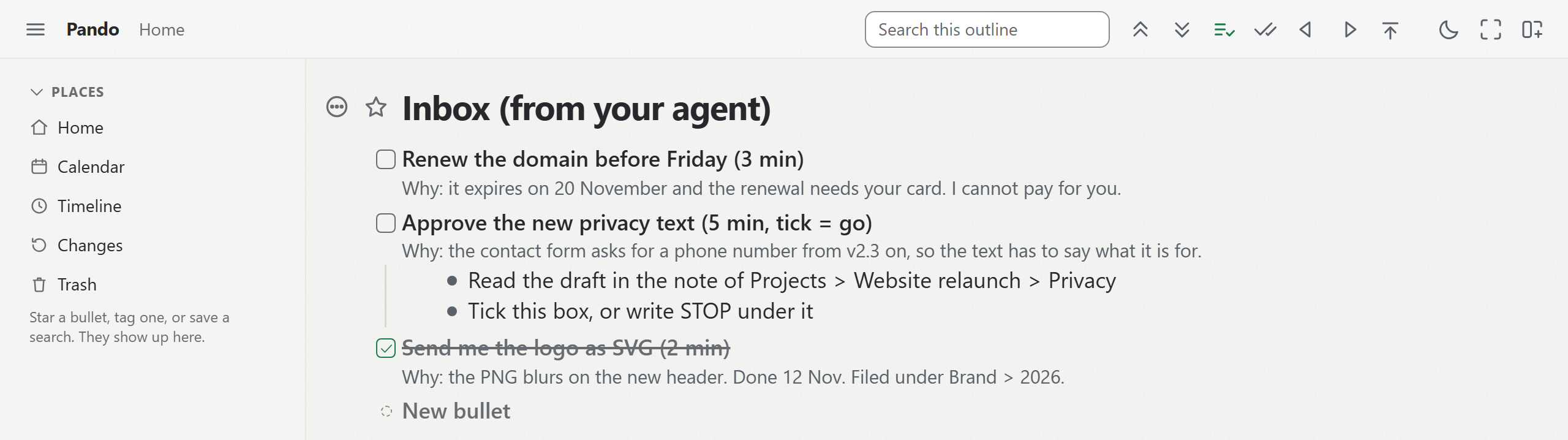
- The line says what to do and how long it takes: "Renew the domain before Friday (3 min)".
- The note says why it has to be you and what it blocks: "It expires on 20 November and the renewal needs your card."
- The children are the steps, exact enough to follow on a phone in a queue.
You tick the box when it is done. If you disagree, you write "STOP" or a one-line answer under the task. The agent's next session reads the branch, checks a ticked task against the real system where it can, and carries on from there.
Why a chat is the wrong place to ask
A chat records what was said, in order. Working out what is still open is left to you. The agent has the same problem in reverse: a new session tomorrow starts without the chat, so it cannot tell which of its questions you already handled.
Task apps with their own MCP servers exist. If your agent already writes into one that you read every day, use it. I wanted the agent's work and its questions to me in one place, so that I read one list and not two.
The rule in my own repository
The instructions in Pando's repository are short. The moment a piece of work is blocked on me, it becomes a todo in my own outline, in the same turn. That covers an account in my name, a key only I hold, a payment, or a decision that is mine; a manual step that could be automated does not count, and the agent is told to automate it instead of asking me to do it by hand.
One real task from that inbox, filed on 16 August 2026, read "A restricted key, 2 min". Its steps said where in the Stripe dashboard to create a key that may write products and prices and nothing else. The note said why. With only those two permissions the key cannot charge anybody or read a customer, so a leak would cost at most a stray price.
My tasks go one level deeper than the three parts above. A child's note carries the detail that stops that step going wrong, such as which of two similar fields to fill in. When I say a task is done, the agent checks it against the live system before it ticks the box, and it writes the evidence and the date into the note, so that weeks later I can still see what was checked and when. When it cannot check, as with a form only I can see, the note says it was ticked on my word.
The same list in Pando
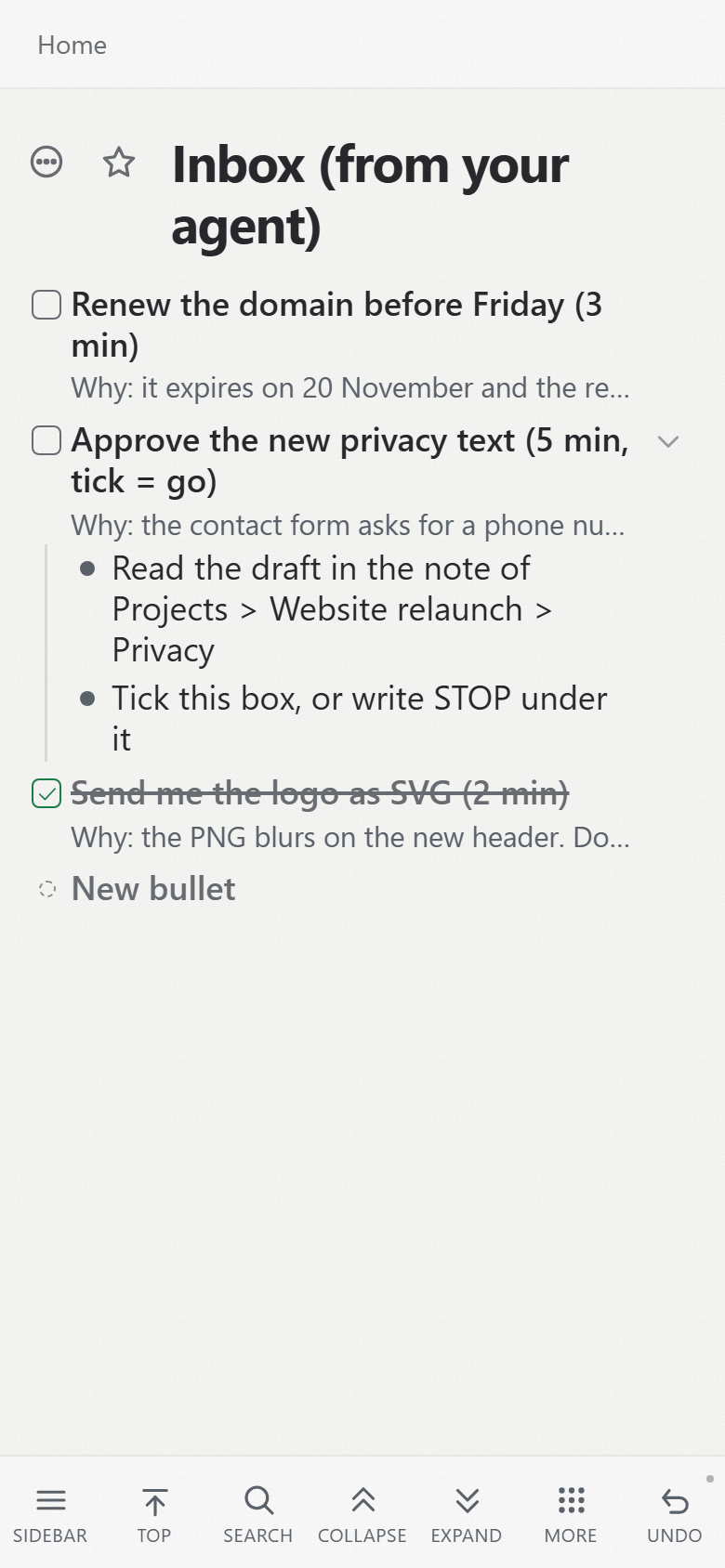
My real list is in German and full of account details. The pictures show the same shape in a test account, written by a connected Claude.
On a phone the branch fits on one screen.
Claude, ChatGPT and Claude Code can all connect to Pando's MCP server. Once Claude is connected with read and write, it can create the branch itself. You can also start from the inbox template: press "Show in my Pando" and the branch arrives with two example tasks.
Then give Claude one instruction, in a chat or wherever it keeps its instructions: "When you are blocked on something only I can do, write it as a checkbox task under 'Inbox (from your agent)'. The line says what and how long, the note says why, the children are the steps. Check my tick before you rely on it."
Pando stores the list. It records each change an agent makes as an automated change, but it does not run the agent or decide anything; Claude does the work and reads and writes the branch through its connection. A bullet you protect refuses every change from an agent, and so does everything under it. The tasks are ordinary bullets. You can drag one under a project or give it a date.
The same idea works in the other direction, with a list your agent reads first. What Claude learns along the way can go into its memory bullet.
An account costs nothing for the first 5,000 bullets. Create a free account and connect Claude, then ask Claude to file one real task it needs from you, and tick it when you have done it.